



Precast Software for Design, Production & Project Management

Precast Software for Design,
Production & Project Management
Hollow core Slab Software
Watch a Quick Video of the Hollow core Slab Software
The Hollow core slab software in IMPACT helps you design and detail hollow core (HC) slabs in 3D, including automatic cast in lifting items centre of gravity positioning with automatic core fillings. It generates automatic shop drawings and export files for plotters; automatic sawing machinery and reports.
- Design and detail hollow core slabs in 3D, including automatic cast in lifers positioning with automatic core fillings
- Generate automatic shop drawings
- Export files for plotters
- Automatic sawing machinery
- Automatic drainage holes
- Detailed reports.
- Use in combination with AutoCAD, BricsCAD, and Revit.
Features of the IMPACT Hollow-core module include but are not limited to cast-in materials; recesses; edge details, positioning of prestressed wires/strands; cut zones, and much more. It is even possible to perform prestress load checks on your floor layouts with the PRE-Stress Connection module.
The IMPACT Hollowcore module helps you design and detail hollowcore slabs in 3D, including automatic cast in lifers positioning with automatic core fillings. It generates automatic shop drawings and export files for plotters; automatic sawing machinery and reports.
Any changes you make in the 3D model, plan, elevation or on the shop drawing, are immediately updated on all corresponding drawings and models. Your whole hollowcore slab design project is synchronised with all drawings automatically updated at all times.
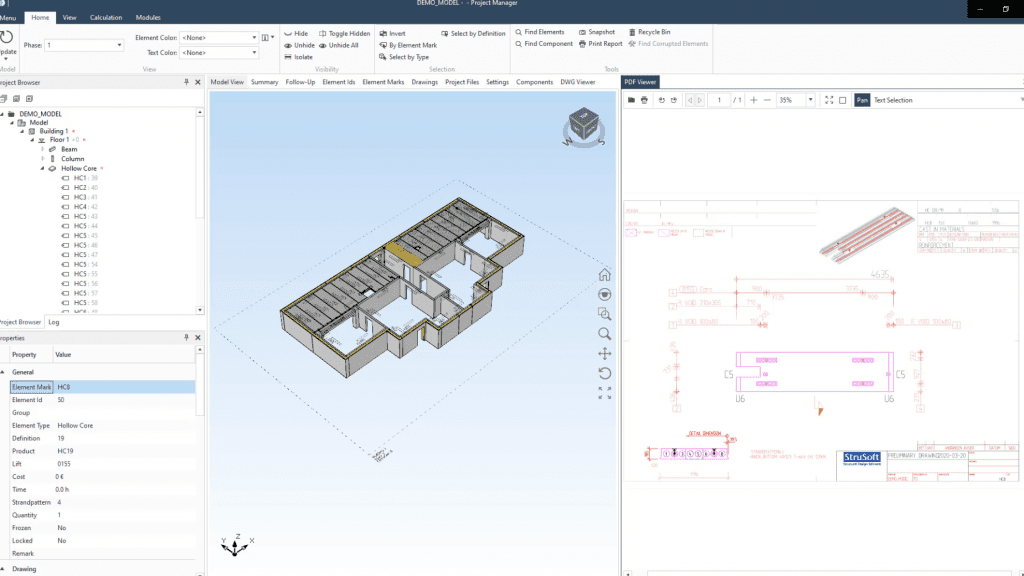
Features IMPACT Hollowcore includes but is not limited to cast-in materials; automatic recesses; recesses; edge details, positioning of prestressed wires/strands; cut zones, core fillings, hanger details, and much more.
It is even possible to perform prestress load checks on your floor layouts with the PRE-Stress Connection module.
IMPACT Hollowcore can be used and purchased as a standalone module or part of the entire IMPACT Design Suite, including all design tools.
IMPACT Hollowcore is a feature for both IMPACT for AutoCAD, BricsCAD, and IMPACT Revit.
Why wait? Click to apply for a Free Trial of IMPACT and get started today!
IMPACT Docs
Find detailed documentation and guides for the IMPACT precast software on the IMPACT Docs. Access is available for users with a login.
Request a Trial
Want to try IMPACT precast? Apply for a trial and get your login here. This gives you full access to the Docs and all software features during your trial period.
IMPACT Blog
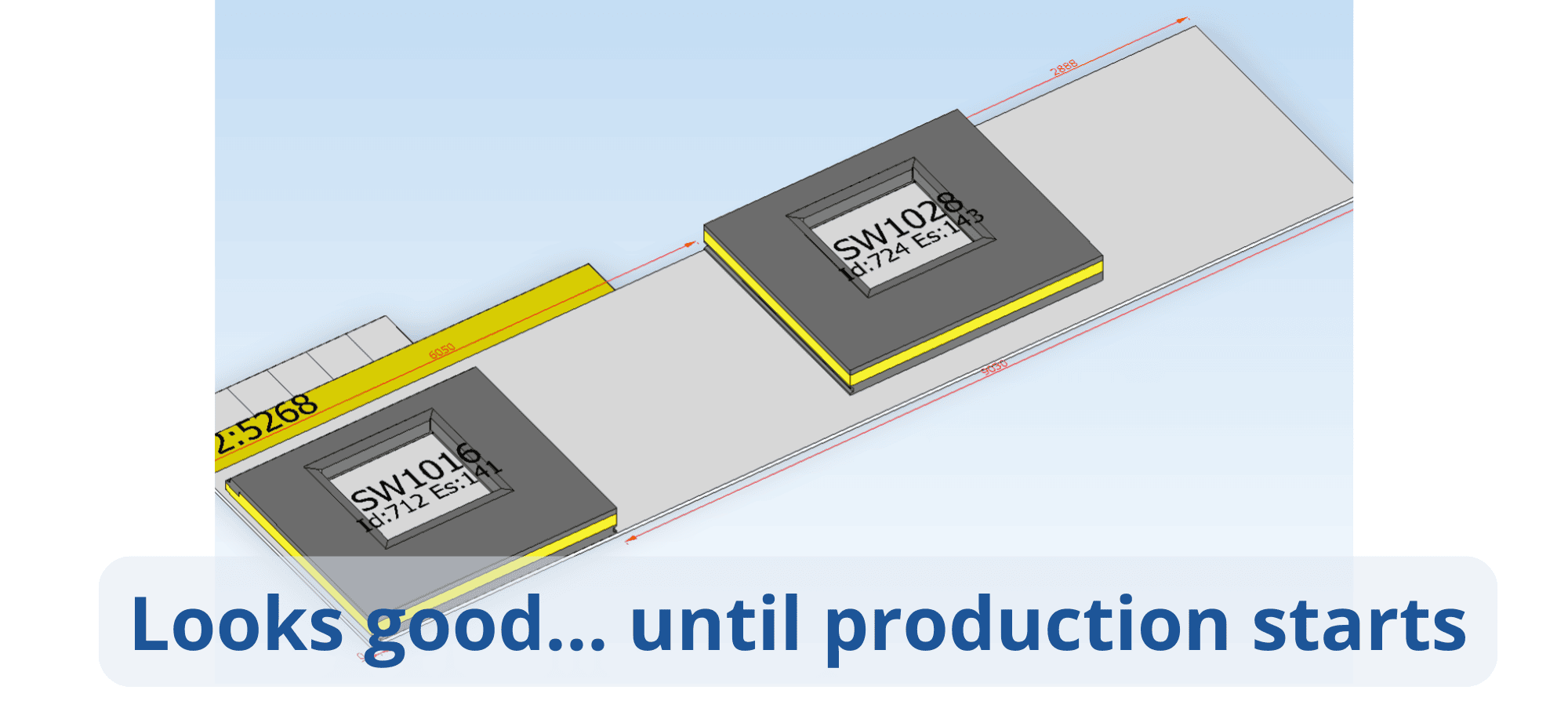
Watch the webinar: Why Sandwich Wall Production Gets Delayed (Even When Planning Looks Right)
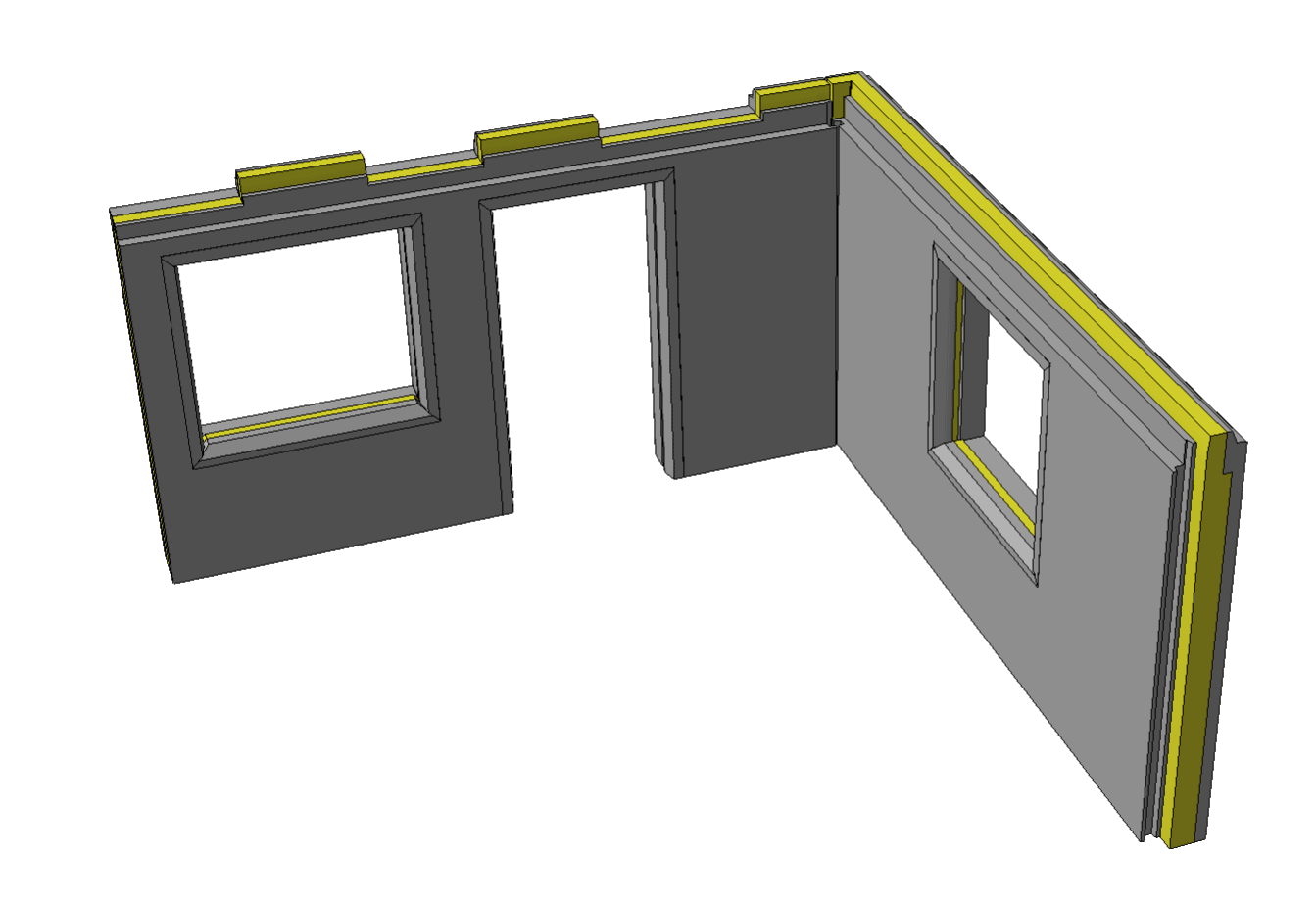
Watch the webinar: Why Sandwich Wall Detailing Takes Too Long (and Where Errors Actually Start)
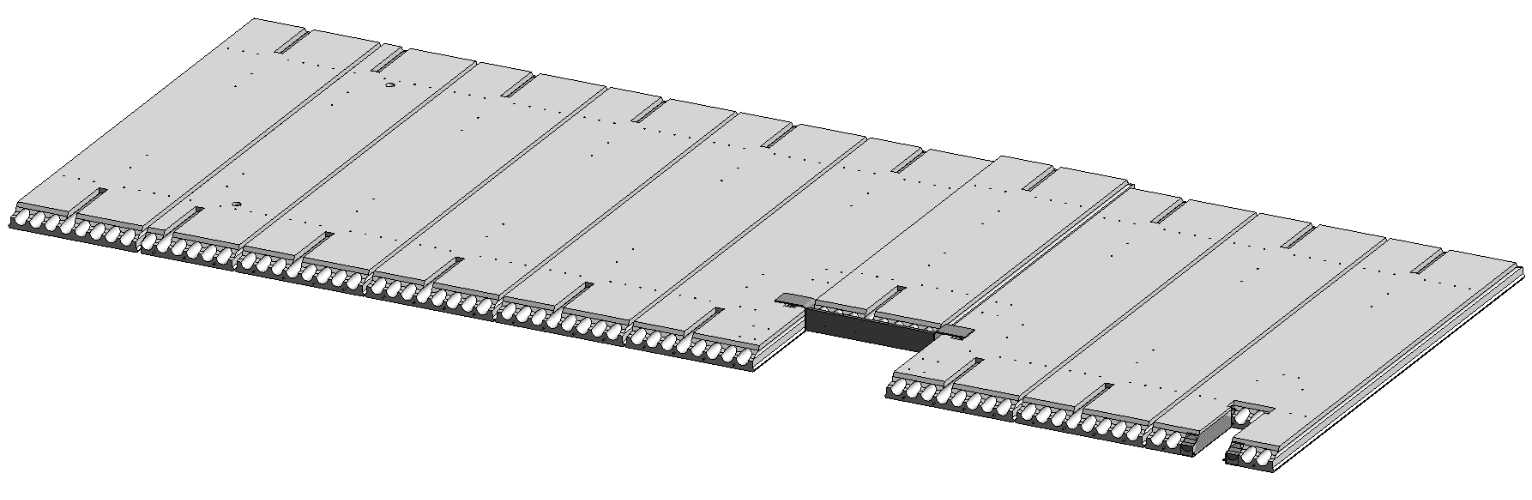
Watch the webinar: Model Hollowcore Slabs in Revit—and Manage Production & Logistics all with IMPACT

Bio: Nikolaj is Director Of Sales & Marketing for StruSoft´s Precast Business Unit. He has an MSc in Building Informatics, direct experience working for precast factories ...show more as well now being with StruSoft more than a decade. He is well equipped to answer any enquiry you might have about our IMPACT Precast Software. show less

Bio: Michał Sikora is the main point of contact for IMPACT customers in Poland. He is responsible for implementation, training and the optimization of IMPACT for ...show more customers. Michal has an MSc in Structural Engineering and an extensive experience in designing and detailing concrete structures. If you are based in Poland and want to find out how to get started and best utilize IMPACT, feel free to reach out to Michal. show less

Bio: Thomas Gitsas works closely new international IMPACT customers. He is responsible for implementation, training and the optimisation of the precast processes to be digitalised within ...show more IMPACT. Thomas has 2 x MSc's in structural engineering and civil planning. Thomas joined StruSoft in 2017 and has a wealth of experience with precast factories in Europe, UK, Middle East and Oceania. Please feel free to contact Thomas if you would like to find out more about to get started with IMPACT. show less

Bio: Linus works with implementations of all applications in the IMPACT system. He is also a specialist and interim Product Owner for IMPACT Revit. He has ...show more a B.Sc. in Civil Engineering, several years of experience in technical implementations. Please feel free to contact Linus if you have any questions of how to best utilise your IMPACT software. show less

Bio: Peter Karlsson is the Director and main person responsible for StruSoft's Precast Business Unit. He has been with StruSoft since 1999 and has many years' ...show more of experience helping new customers starting up and also supporting existing customers to get the most from the IMPACT precast software. Peter is mainly focused on customer relationships and sales in the Swedish market. He is also a member of StruSoft's Senior Management Team. show less

Bio: Suhas is the Managing Director of StruEngineers India, a Design & Detailing Service company 100% owned by StruSoft. Suhas has a BSc in Civil Engineering ...show more and has been providing design support services to the Precast Industry, worldwide, over the last 20 years. Suhas was one of the original founders of StruEngineers which was established 10 years ago and previously worked for Neilsoft in Pune. StruEngineers provides local support in India for all StruSoft software and Suhas is a specialist with IMPACT AutoCAD. If you are based in India and looking for more information or support please feel free to get in touch directly with Suhas. show less