



How to Get DIMENSION?
We have made the downloading and installation of DIMENSION as easy and as fast as possible for you, no matter if you are an existing Customer, a Student, or if you are trying out the software for the first time. Please follow the instructions below to explain how you can get DIMENSION.
All StruSoft software programs can be downloaded through the StruSoft Installer. This program takes care of all you installation files (including previous version of the program), updates and licenses.
Free Trial Version (Commercial Only)
StruSoft now offer an automated, hassle free, 2 week trial of DIMENSION.
Simply apply through our website using the Trial license option to enjoy a faster response time and the flexibility to evaluate DIMENSION at your own convenience.
Click on the Free Trial Button to the right, select the Trial license option, fill out the form and select “DIMENSION” from the software list.
You will receive an automated email with everything you need to get started including the software download link, Trial license activation key and video guides.
The trial is with the full version of DIMENSION so you can explore all the modules and features.
If you need any help or assistance, we can also provide you with support during the trial.
Please note this option is only for Commercial Trials, for Student/Educational Free Licenses see next section below.
Free Student Version
The DIMENSION Student version gives students free and full access to the software without any analysis or design limitations. It consists of all the standard design modules.
Limitations
- It can only be used for educational purposes. Any commercial use of this version is strictly prohibited.
- A watermark with ”Educational version” is displayed on the background of printed pages.
- Update/upgrade functions are disabled.
Expiry date
We release a new Student version twice a year, so you will need to check the expiry date of your version.
You can check this in the program by clicking on Help > About.
How to apply
Any Student can apply for the Free Student version of DIMENSION using the Student License form on the website.
You will need to upload a copy of your Student ID.
You will get an automated email and help regarding installation, licensing and support using the program.
Click here for the Free Student Version of DIMENSION!
Existing customer
If you are already a customer with an existing license set up in the StruSoft Installer, you will find the latest version of DIMENSION in the StruSoft Installer.
Except for the Student Version all Options will require you to follow these 3 x steps:
Step 1: Download the StruSoft Installer
Step 2: Watch the Installation and License Activation Guide
Step 3: Read the Guide to the StruSoft License System
Get Started with DIMENSION
If you are a new User to DIMENSION, we have provided you with some information guides to help you get started:
- Learn the basics
- Practice your skills
- Extensions and plug-ins
- How to use StruSoft Support
Why wait? Click to get an automated, 2 x week free trial of DIMENSION, and get started today!
DIMENSION Blog
Introducing Simplex Foundation Design Software
StruSoft is delighted to announce the release of Simplex Foundation, a brand-new, cloud-based software designed to streamline foundation design. This intuitive 2D tool delivers [...]
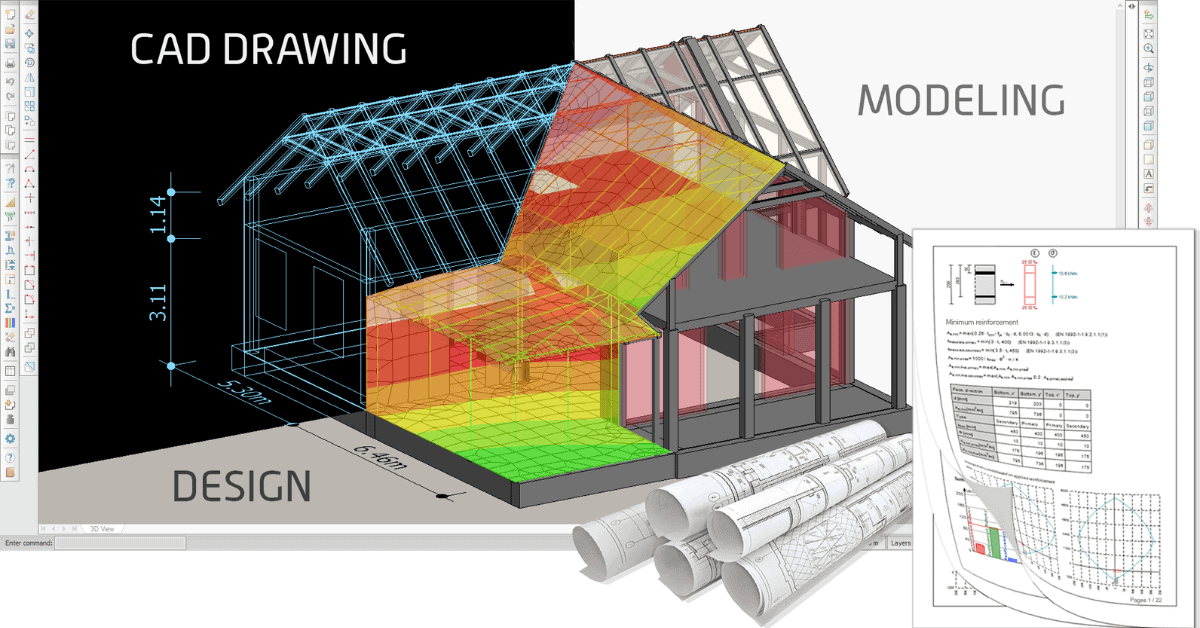
Free structural analysis software for students 2026
You’re an ambitious student eager to dive into structural engineering. We’re here to help you in your journey as your partner in structural analysis [...]

How to choose the best structural analysis software for your projects in 2024
Structural analysis plays a crucial role in the design and construction of any building or infrastructure project. It entails utilizing specialized software to model [...]

Bio: Tobias has 4 years of experience as a structural engineer working a lot with prefabricated concrete elements from a consulting firm in Denmark. His mission ...show more at StruSoft is clear: to help our customers solve real-world challenges using our structural software. show less

Bio: Villy is the lead developer for our DIMENSION software.

Bio: Anders Nilsen joined StruSoft in 2019 and starting of as a Sales Manager in Denmark. In 2024 Anders took on additional responsibilities as Head of ...show more Sales in Denmark, The Baltics, Hungary, Romania, Poland, UK & Ireland in the structural business unit of StruSoft. Anders has a background as a civil engineer with lots of practical experience in all our structural software. show less