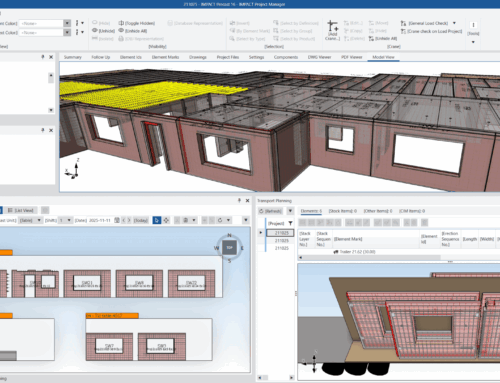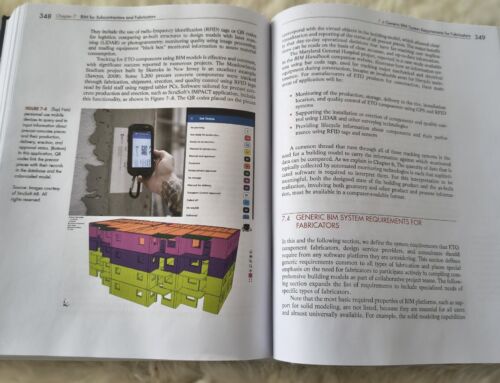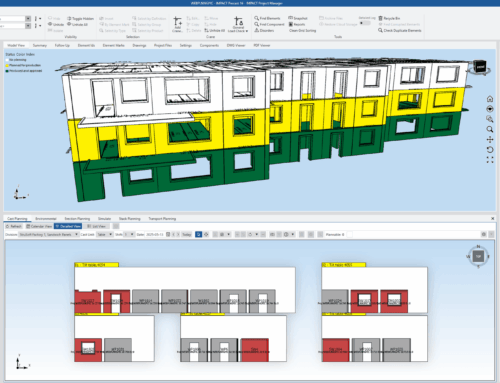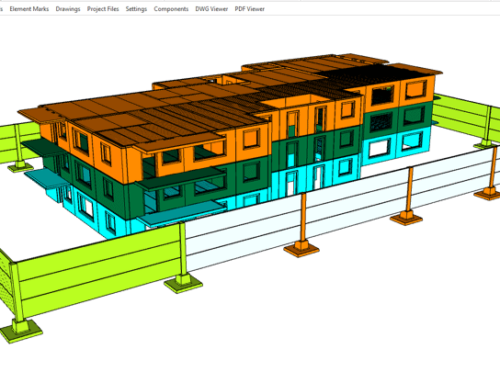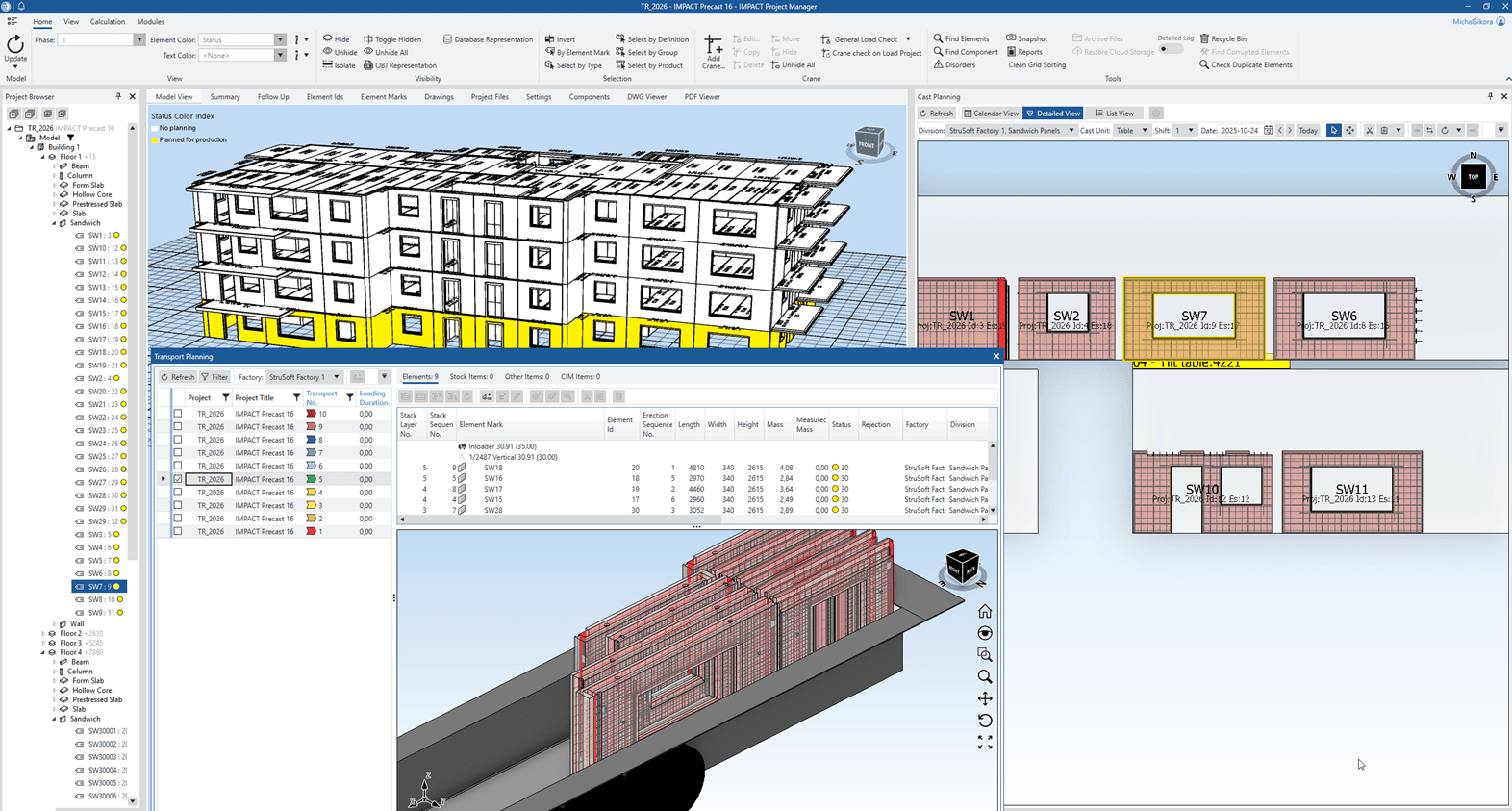
On October 21, 2025, we hosted the IMPACT Production update 2025 Autumn presentation, showcasing the newest features designed to make precast production planning and tracking smarter and faster. Whether you’re new to IMPACT or a long-time user, this update provides practical workflows, time-saving tips, and tools to improve efficiency across your projects.
Missed the presentation?
No problem — you can watch the full recording here:
Key Highlights from IMPACT Production update 2025 Autumn
Who Can Benefit from IMPACT Production update 2025 Autumn
•Precast manufacturers seeking more efficient production planning
•Project managers aiming to improve project tracking and reporting
•Production supervisors looking to optimize daily workflows
With these enhancements, IMPACT Production helps teams save time, reduce errors, and manage precast projects more effectively.
Design Smarter, Faster, Better with IMPACT for CAD – upcoming presentation
Want to see more ways IMPACT can streamline your workflows? Join our upcoming IMPACT Design CAD – Autumn 2025 Presentation. In this 60-minute session, Michał will showcase smart CAD tools, precast design workflows, and the latest software features to help you design smarter, faster, and more efficiently.
Date: 25th of November 2025
Time: 01:00 PM – 02:00 CET
To join the session and discover practical ways to improve your precast design process.
For newcomers
See how the software can streamline the design of precast elements and optimize your workflows.
For existing users
Discover new tools and techniques to design precast elements more efficiently and effectively.
Topics covered in the presentation include:

- • Overview of crane placement
- • Modeling of elements for precise designs
- • Inserting cast-in-materials seamlessly
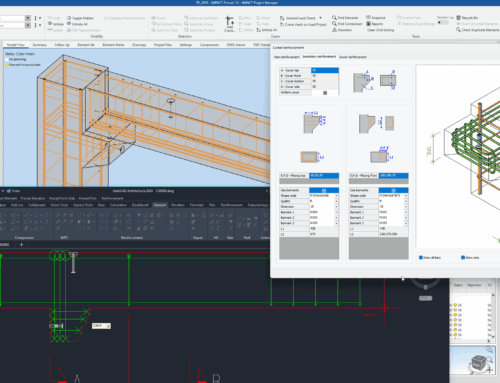
- • Powerful rebar templates functionality in IMPACT
- • Saving elements to the IMPACT database for future use
- • Generating shop drawings with new rebar tools
- • Creating OBJ files for 3D visualization
- • 3D preview of elements, including rebar and cast-in-materials in IMPACT Project Manager