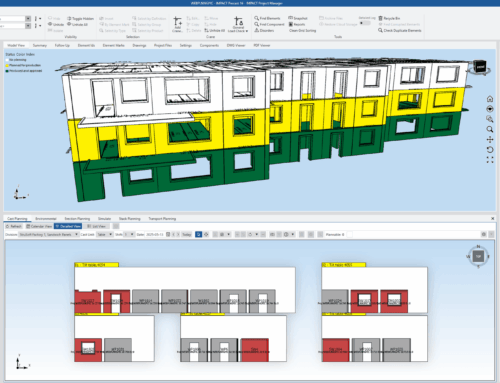
OBJ Representation – A New Way to View Your Precast Models in IMPACT
Clearer. Smarter. More connected 3D visualization of your precast design, for Project management and Production planning.
Working with precast elements often means juggling details — geometry, coordination, and communication between disciplines. Especially between design, planning and multiple disciplines.
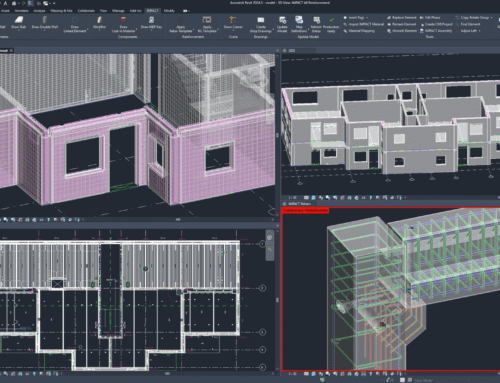
With the new OBJ Representation in IMPACT Precast, you can now visualize your elements in 3D, including details such as Reinforcement and Cast in materials. You can also share them easily, and collaborate more effectively across tools and teams. Especially Production Planning, and Project Management within IMPACT benefit greatly from this.
️️️What Is OBJ Representation? ️
Think of OBJ as a universal language for 3D models.
It’s one of the most widely supported file formats in the world of design and visualization — used in software like SketchUp, Blender, AutoCAD, and Revit.
Now, IMPACT Precast fully supports OBJ, allowing you to:
-
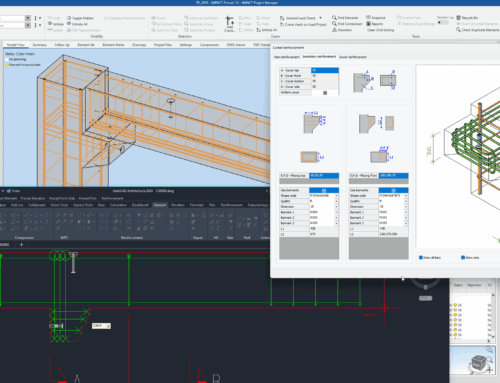
Export your precast models as high-quality 3D OBJ files, including Reinforcement and Cast-in Materials
-
Visualize every element in realistic detail
-
Share your designs across platforms with just a few clicks
In short: OBJ Representation bridges the detail gap between design, production, and presentation.
Built for the Way You Work
1. See Every Detail in 3D
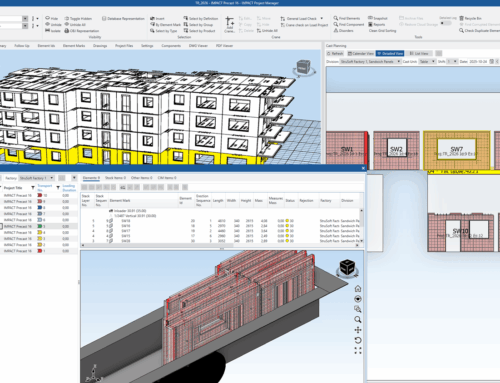
Enjoy crisp, high-resolution 3D previews of your precast elements — from every angle and with every surface intact. See though you half-transparent elements, or filter exactly which types of components you want to focus in on.
2. Collaborate Without Barriers
Easily share OBJ files and IMPACT data with colleagues, clients, or consultants — even if they don’t use IMPACT. A perfectly detailed IFC is created, so everyone sees exactly what you see.
3. Work Seamlessly Across Platforms
OBJ is a standard in the 3D world. Import your IMPACT models into tools like Blender or SketchUp to refine visuals, run presentations, or create renderings. Even send the elements to your favorite 3D printing software and print scale models.
4. Speed Up Your Workflow
Forget about complex file conversions or data loss between tools. OBJ, together with the IMPACT database keeps your models accurate and your process efficient.
️ Practical Benefits in Daily Work
-
Designers/Detailers: Add more detail for project managers, production staff and clients.
-
Production Managers: Verify geometry, Cast-in Materials, Reinforcement and ensure design accuracy before production.
-
Project Managers: Share 3D views with stakeholders and improve coordination internally with more detail than ever.
The result is better understanding, smoother workflows, and fewer surprises during the design and production process.
Before and After OBJ Visualization
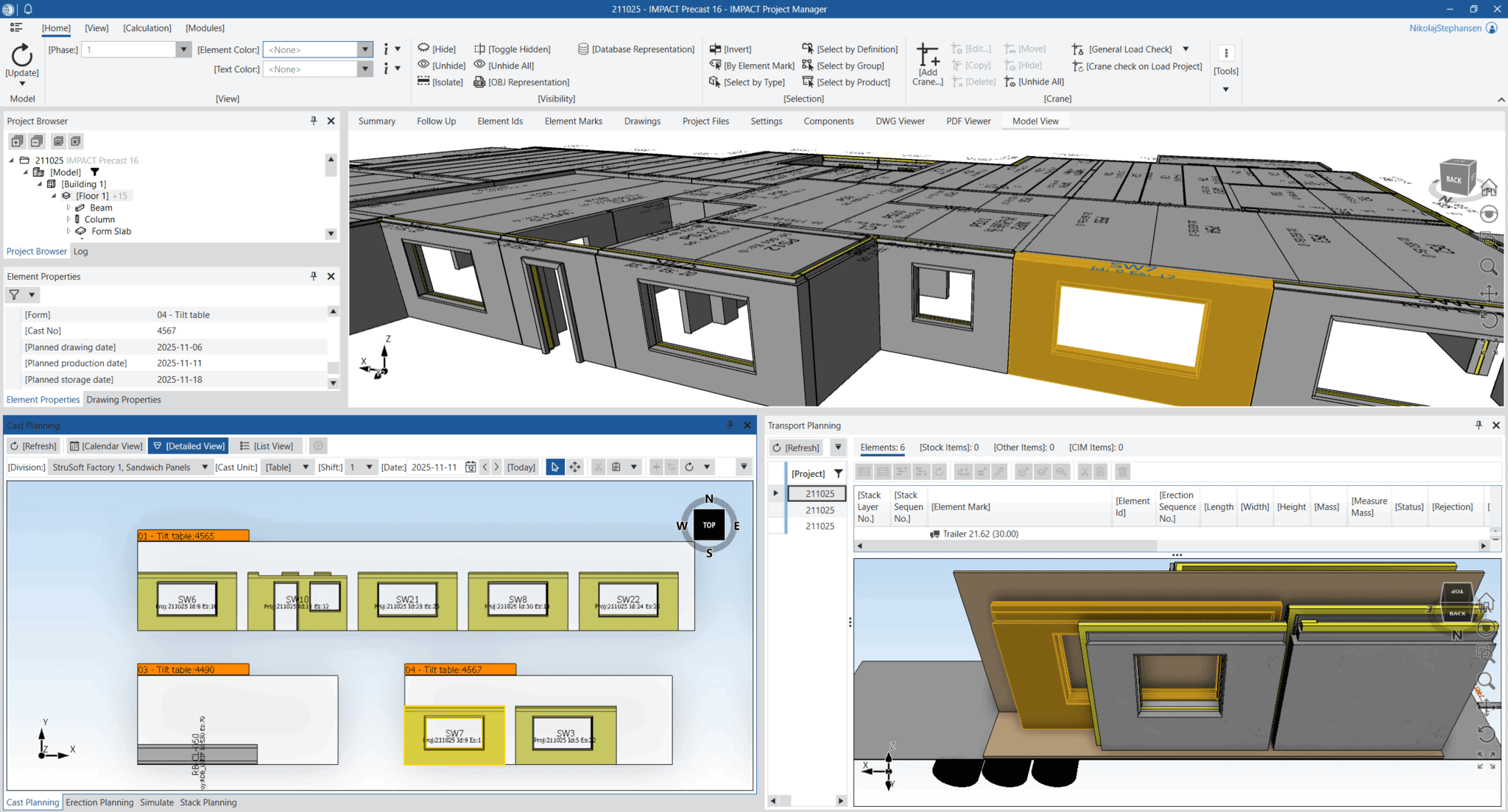
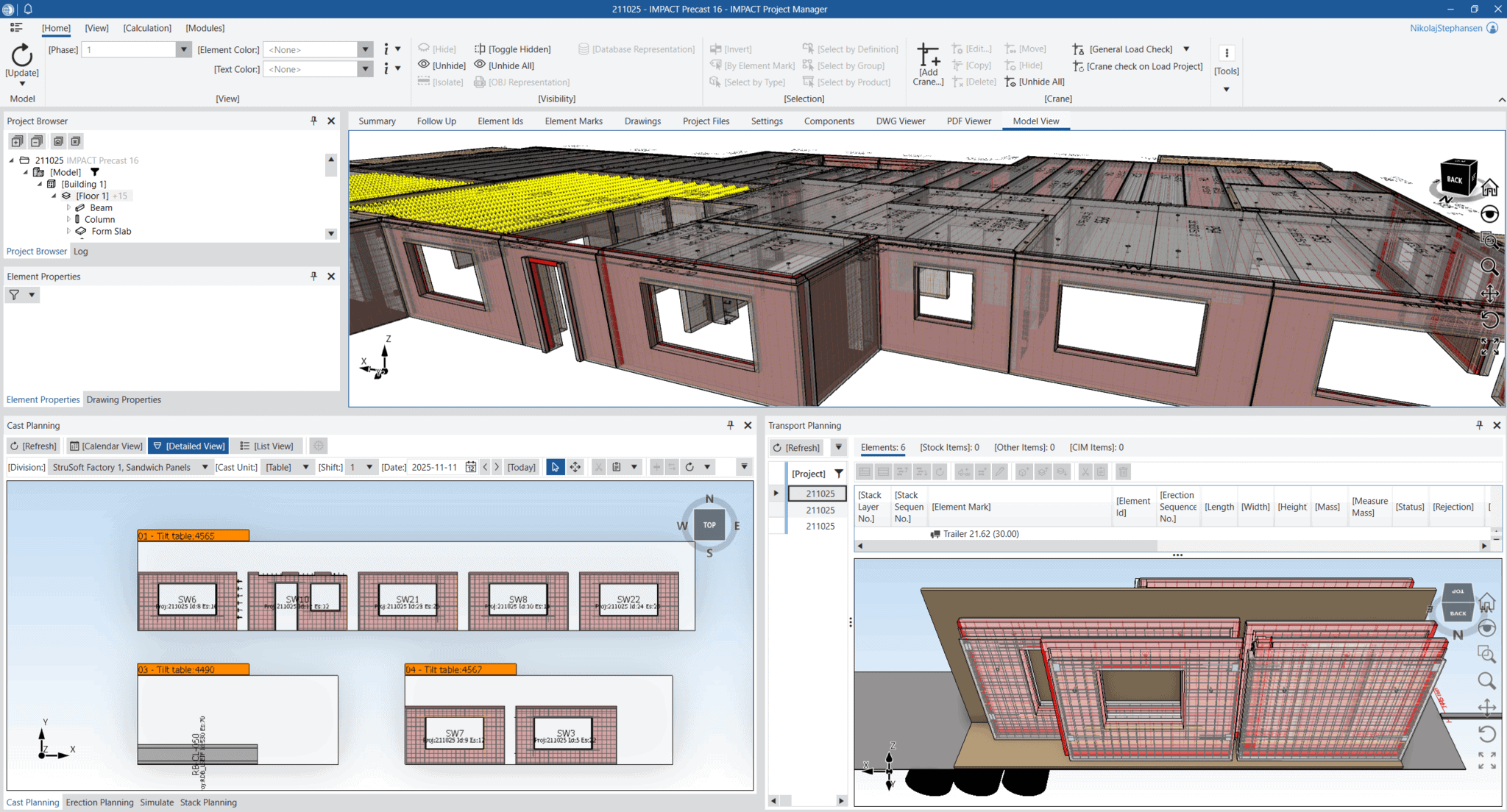
Taking Precast Visualization One Step Further
OBJ Representation marks a small but significant improvement in how IMPACT supports your daily work.
Your 3D models are now easier to view, share, and collaborate on — helping you and your team work more efficiently and confidently.