Design Smarter, Faster, Better: IMPACT CAD – Autumn 2025
On Tuesday, 25 November, we hosted the IMPACT CAD Update 2025 Autumn presentation, where we introduced the latest features, smarter CAD tools, and improved workflows designed to accelerate precast design. Whether you’re new to IMPACT or an experienced user, this update delivers practical workflows, time-saving tips, and powerful tools to help you design precast elements faster, smarter, and more efficiently.
For newcomers
See how the software can streamline the design of precast elements and optimize your workflows.
For existing users
Discover new tools and techniques to design precast elements more efficiently and effectively.
Missed the presentation?
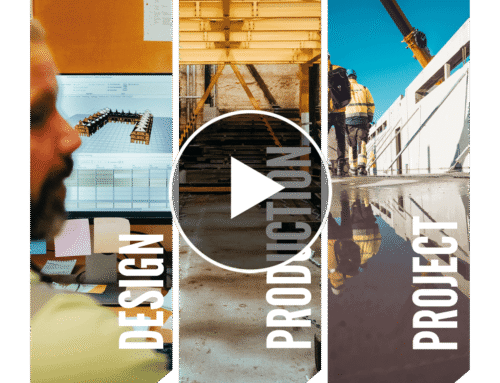
No problem – you can watch the full recording here:
Topics covered in the presentation include:

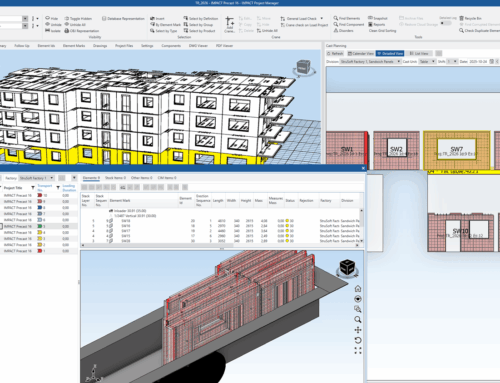
- • Overview of crane placement
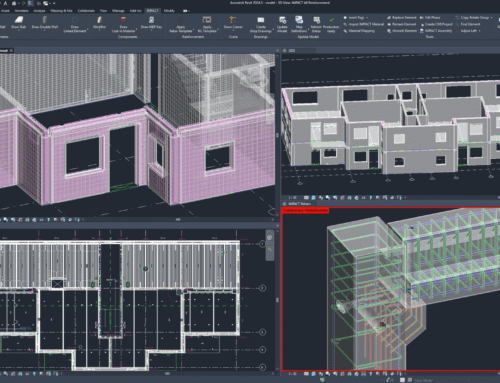
- • Modeling of elements for precise designs
- • Inserting cast-in-materials seamlessly
- • Powerful rebar templates functionality in IMPACT
- • Saving elements to the IMPACT database for future use
- • Generating shop drawings with new rebar tools
- • Creating OBJ files for 3D visualization
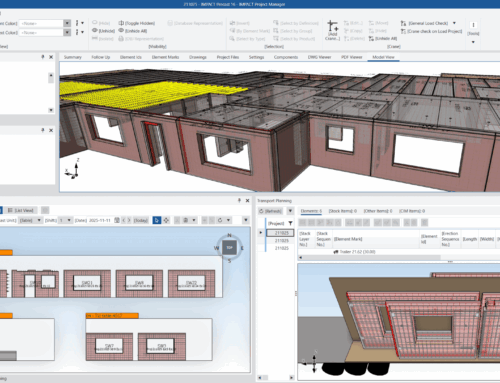
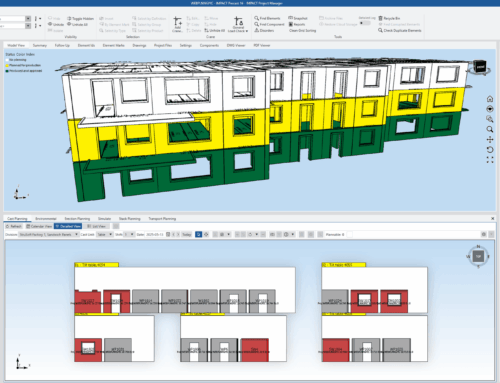
- • 3D preview of elements, including rebar and cast-in-materials in IMPACT Project Manager