



Your first model. Your first PREFAB report.
Install PREFAB, download sample models and test all features of PREFAB straight away. Or try it on your own model.
Three steps before your first report.
Install PREFAB, sign in and choose a PDF viewer that supports the report’s interactive features.
Read the installation guideDownload and install PREFAB
Click the link below to download and install a special trial version of PREFAB.
Open PREFAB and sign in
Use the StruSoft account linked to your trial licence. Your access follows your account.
Choose a compatible PDF viewer
Open the report in a viewer that supports interactive layers and tooltips. Browser PDF viewers do not support these PREFAB features.
Recommended: PDF-XChange EditorIt's free, and gives full support of PREFAB's PDF features.
Download PDF-XChange EditorCompare PDF viewers
Viewer Interactive features Excel export from tables Merge PREFAB PDFs PDF-XChange Editor Yes Yes Yes Adobe Acrobat Yes Copy and paste Insert pages only Bluebeam, Foxit, iText Yes No Insert pages only Chrome, Edge No No No “Insert pages only” means adding pages to the original report, without combining multiple PREFAB reports. PREFAB also includes a PDF merging tool.
Full viewer compatibility details
Start with a model that is ready to use.
Download and open a .prefab file in PREFAB to try the workflow from after import of a FEM-Design model. You can download the FEM-Design model if you want to edit the source model in FEM-Design, and reload to PREFAB.
Choose your licence type The download links differ per licence. Pick one to unlock them.
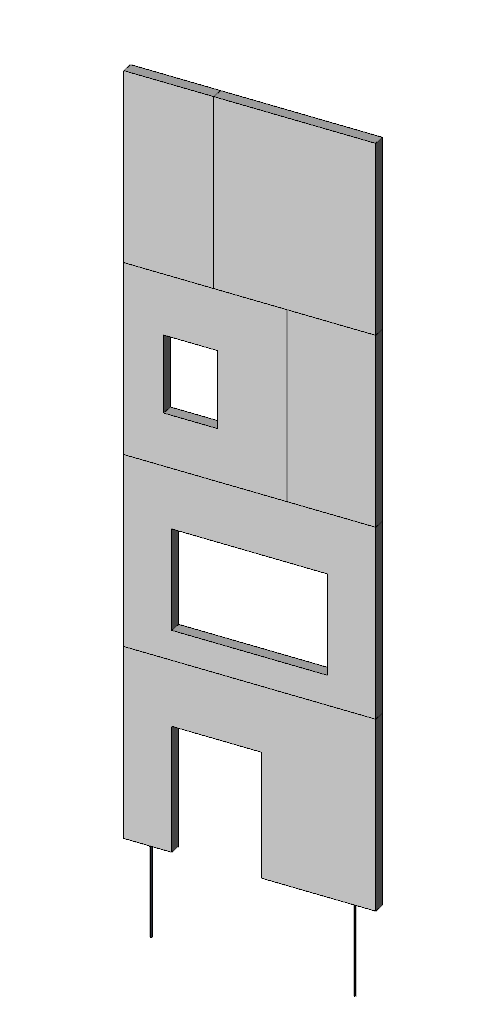
Basic elevation
A single elevation for easy testing of print and export capabilities for walls. As well as comparing all data treatment options.
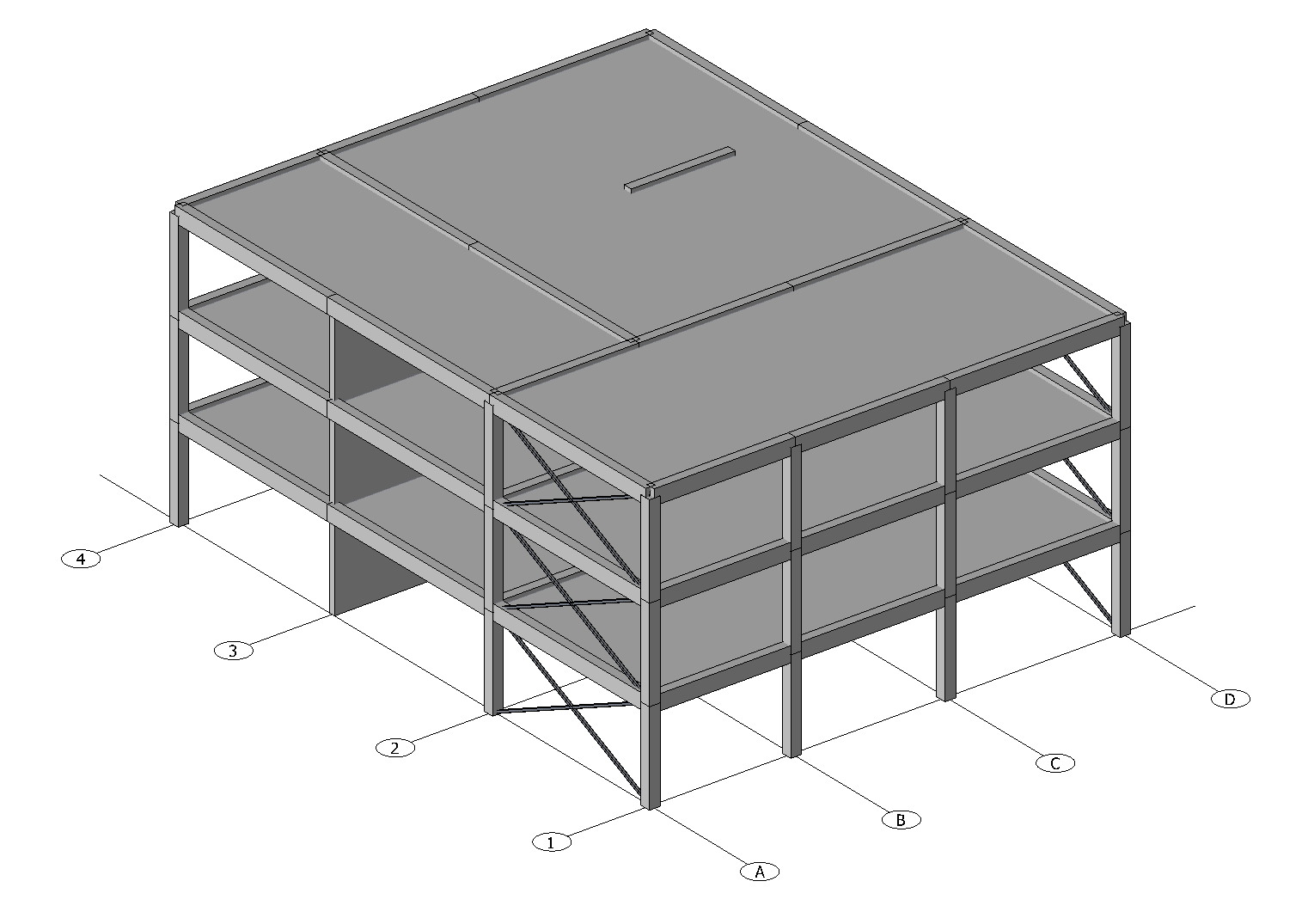
Medium industrial
An industrial building with slabs and bar elements. Try the Direct method, and export slabs back to FEM-Design. Or print everything to see documentation of bar elements.
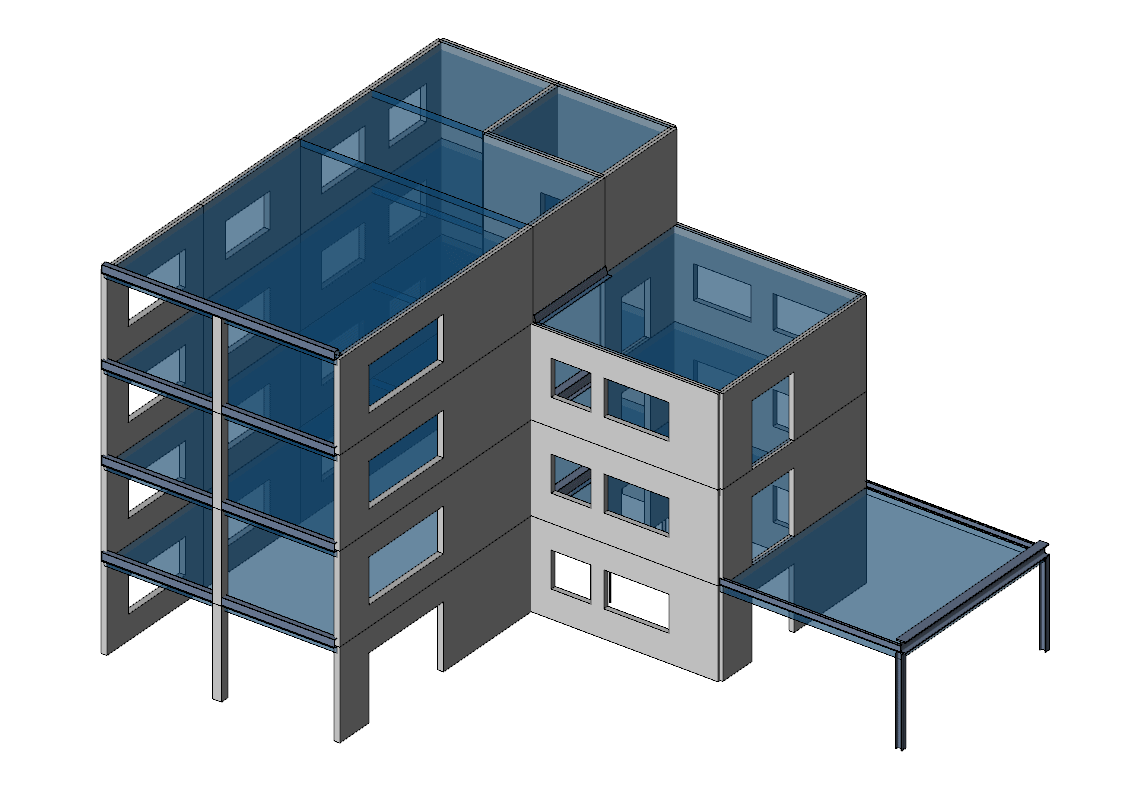
Medium office
An office building with several storeys and covers representing slabs. Try the PDF output options, and all the export to FEM-Design options for walls.
Check the model before you import.
Review these seven settings in FEM-Design. Use the modelling guide for the full requirements and examples.
0 / 7 checked
See how PREFAB works
Use the videos to guide yourself through the options of PREFAB
Your first PREFAB report
Install PREFAB and a PDF viewer, open the basic elevation model, calculate it, print to PDF and check one load page, all in one quick pass.
Set up PREFAB and your PDF viewerFeature walkthroughs
Each video covers one part of PREFAB in depth.
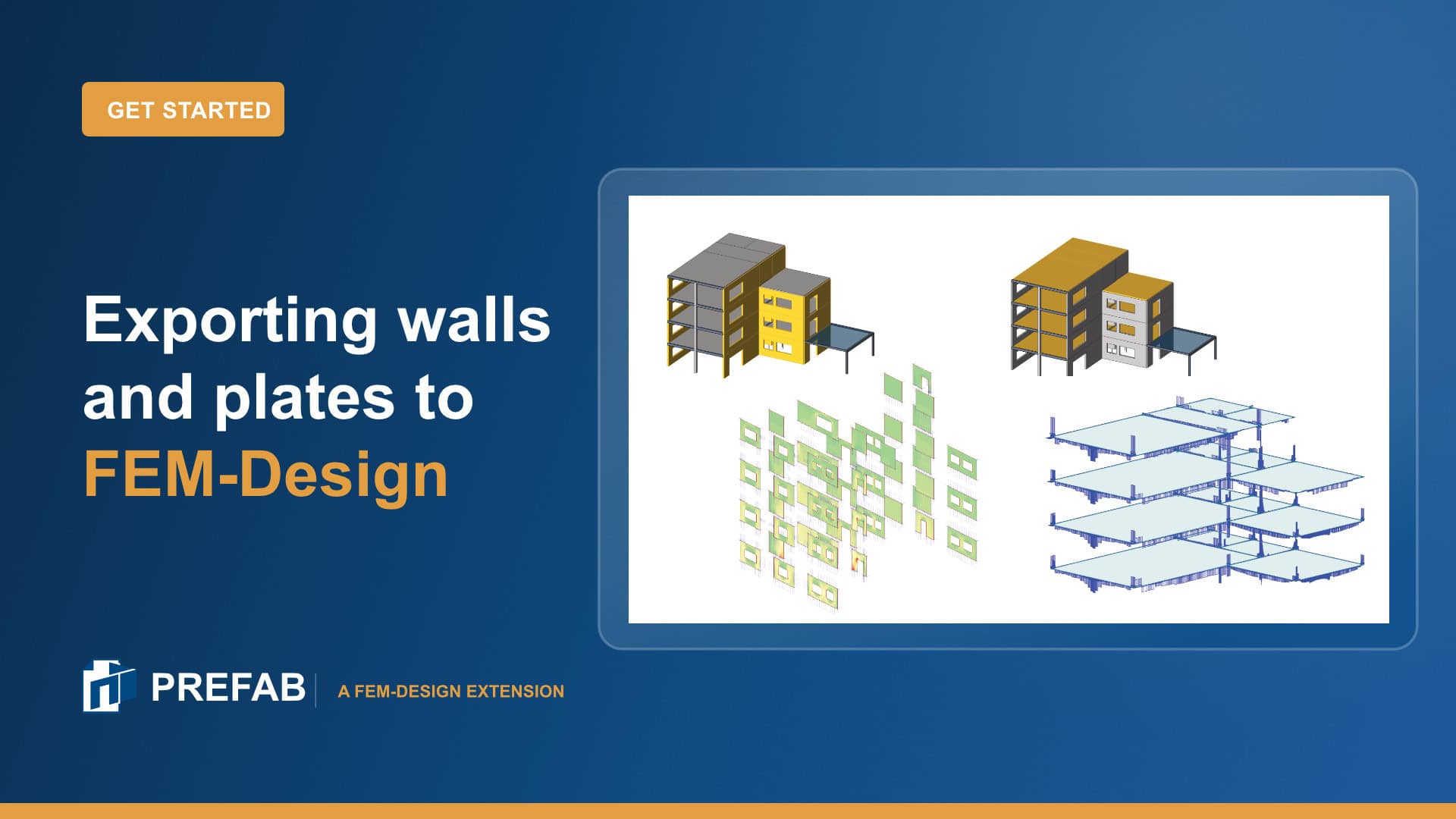
Export walls and plates from a PREFAB report back to FEM-Design as StruXML.
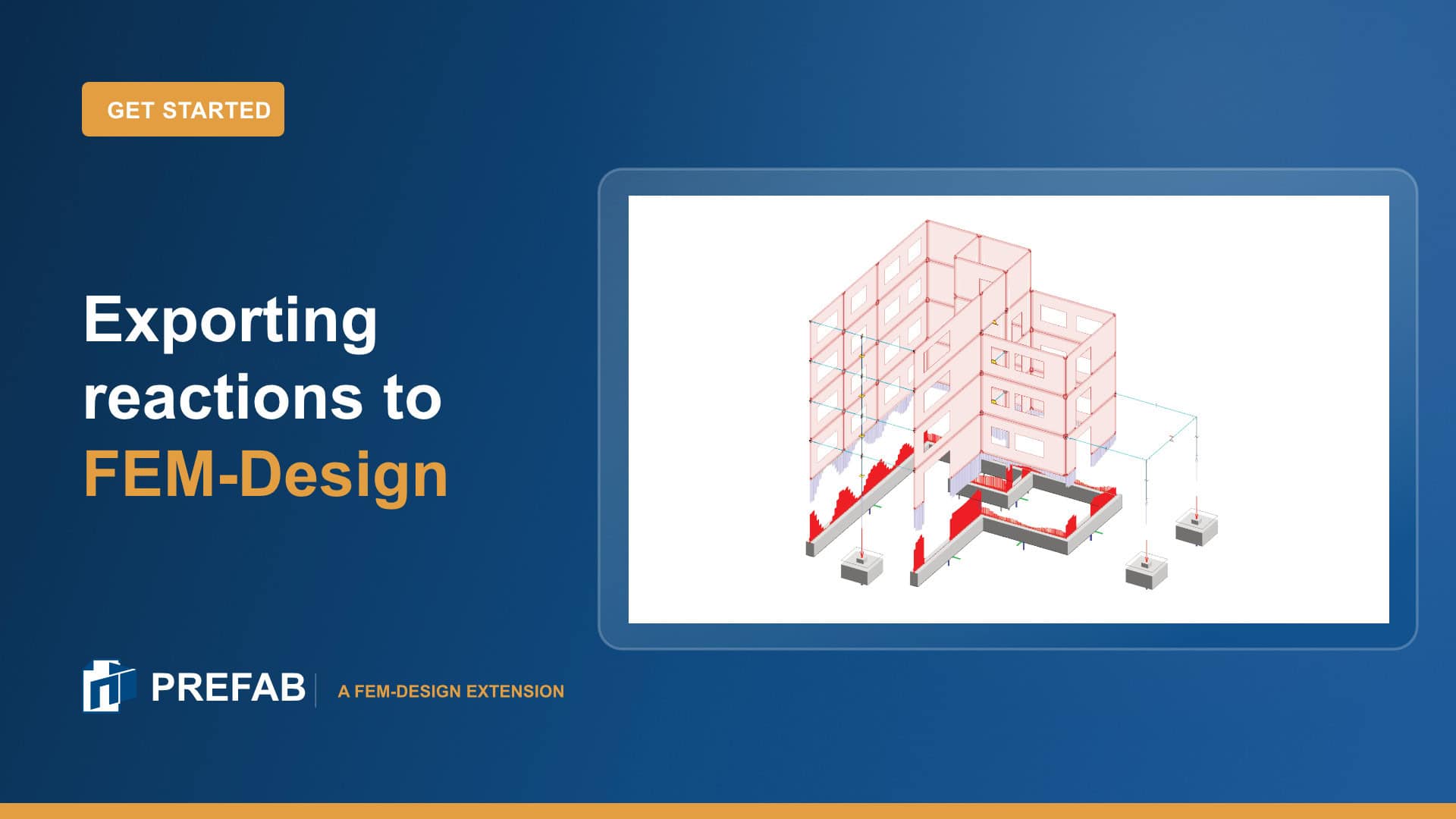
Export analysis reactions from a PREFAB report back to FEM-Design as StruXML.
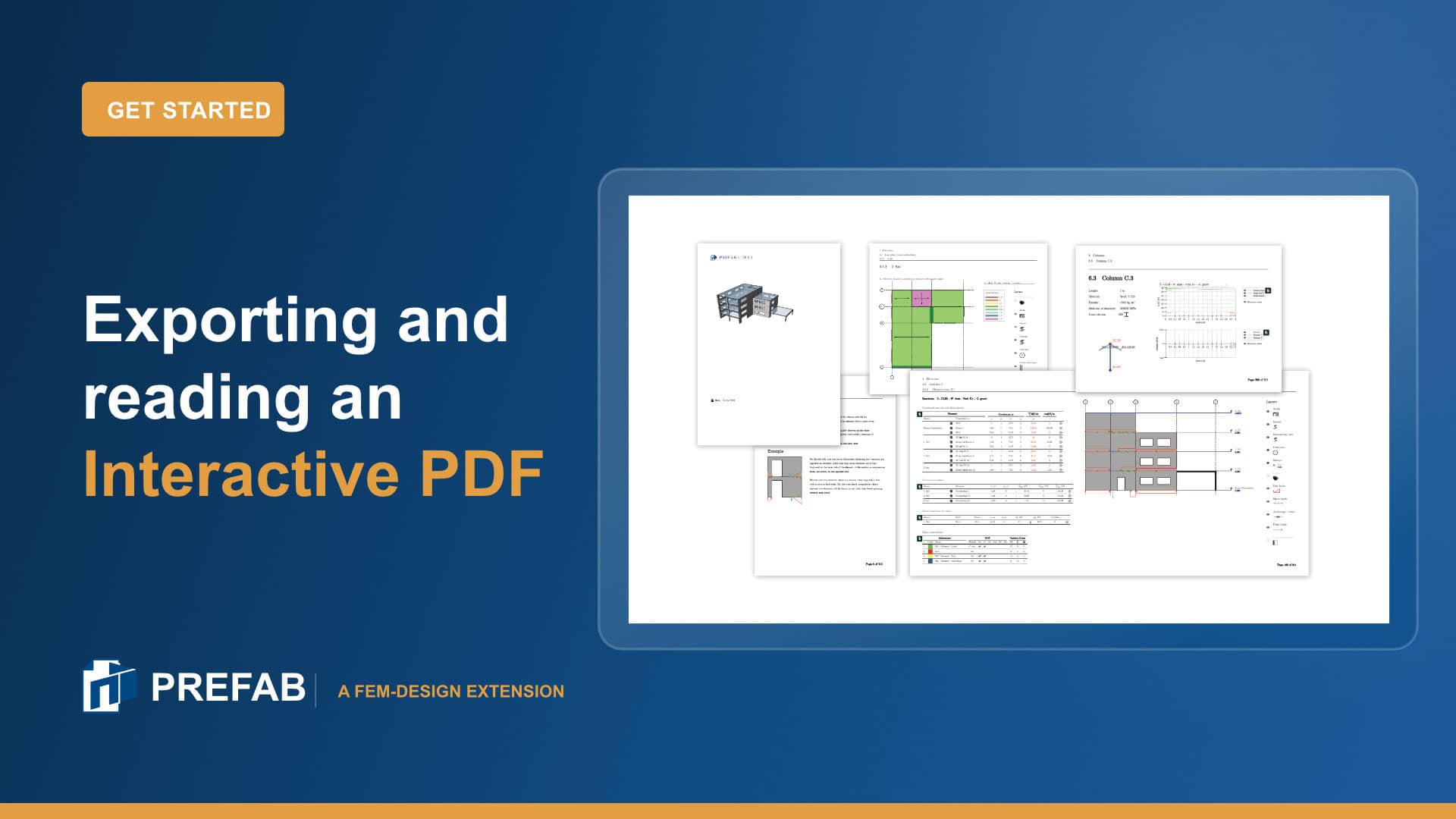
A quick toggle through the print to PDF options, then a full look at what a recipient sees: layers, tooltips, component drill down and export to Excel.
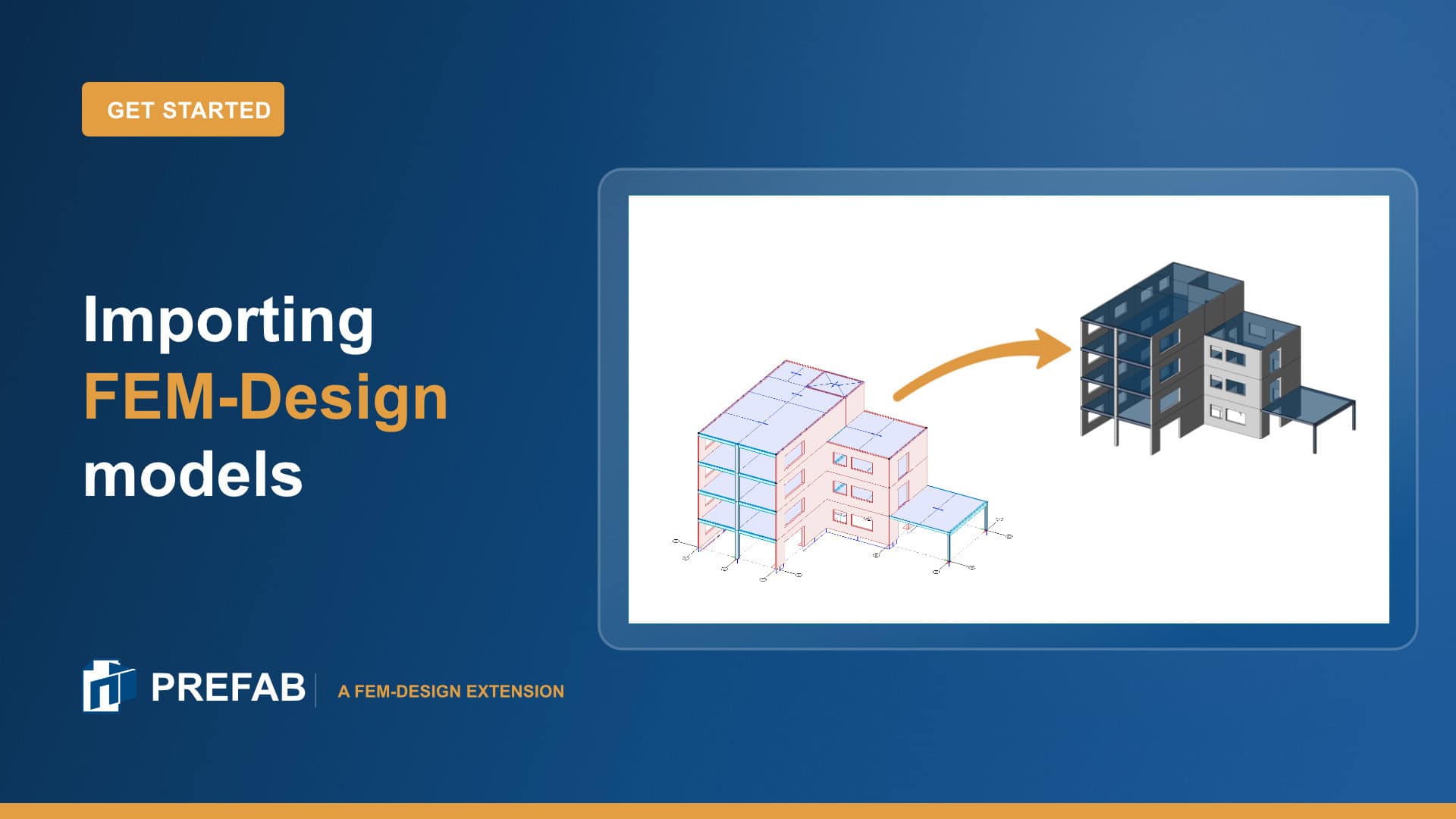
Import a FEM-Design model into PREFAB and check it is ready for a report.
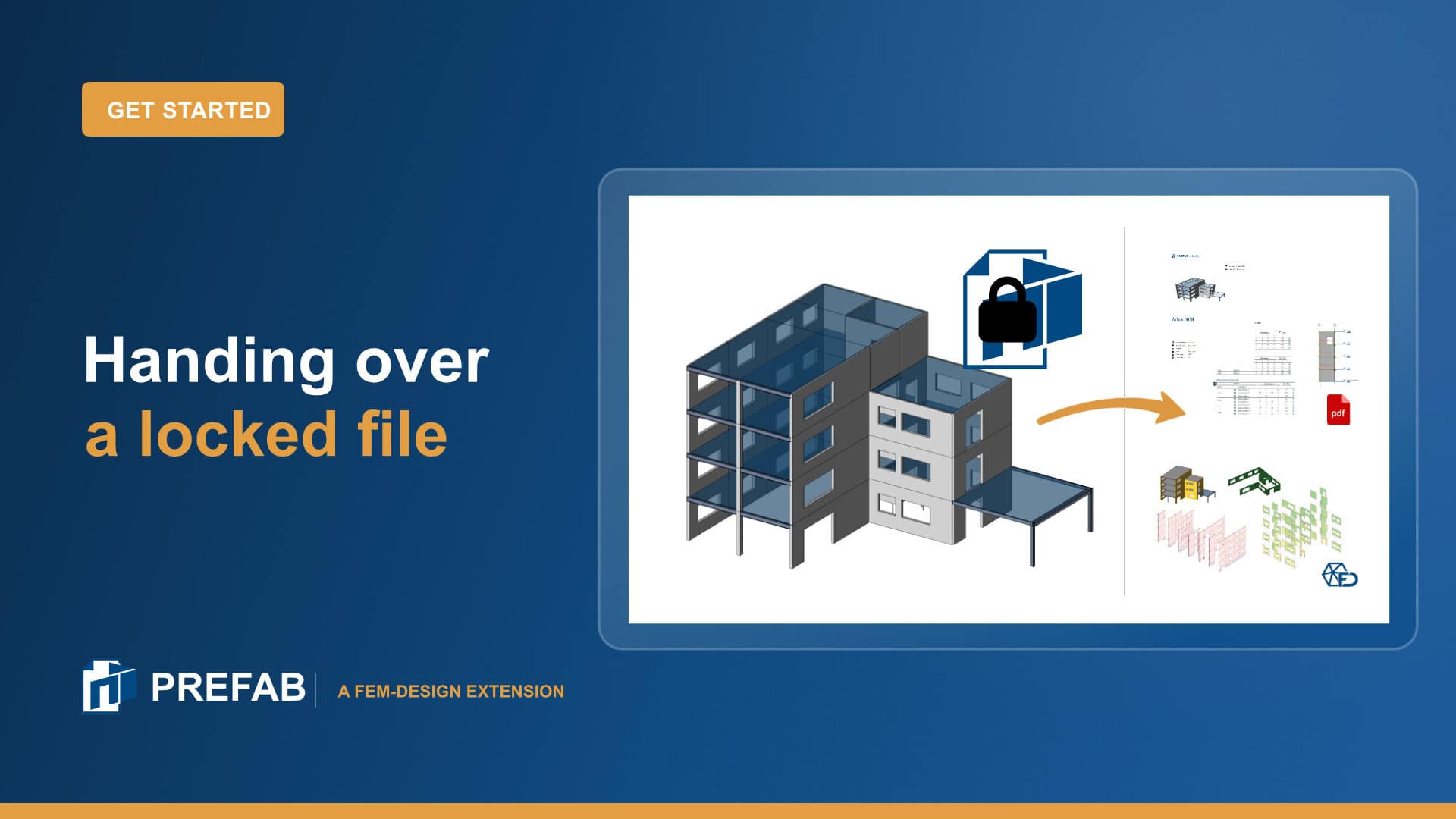
Lock a PREFAB report so recipients can open it in PREFAB Viewer without changing the data treatment.
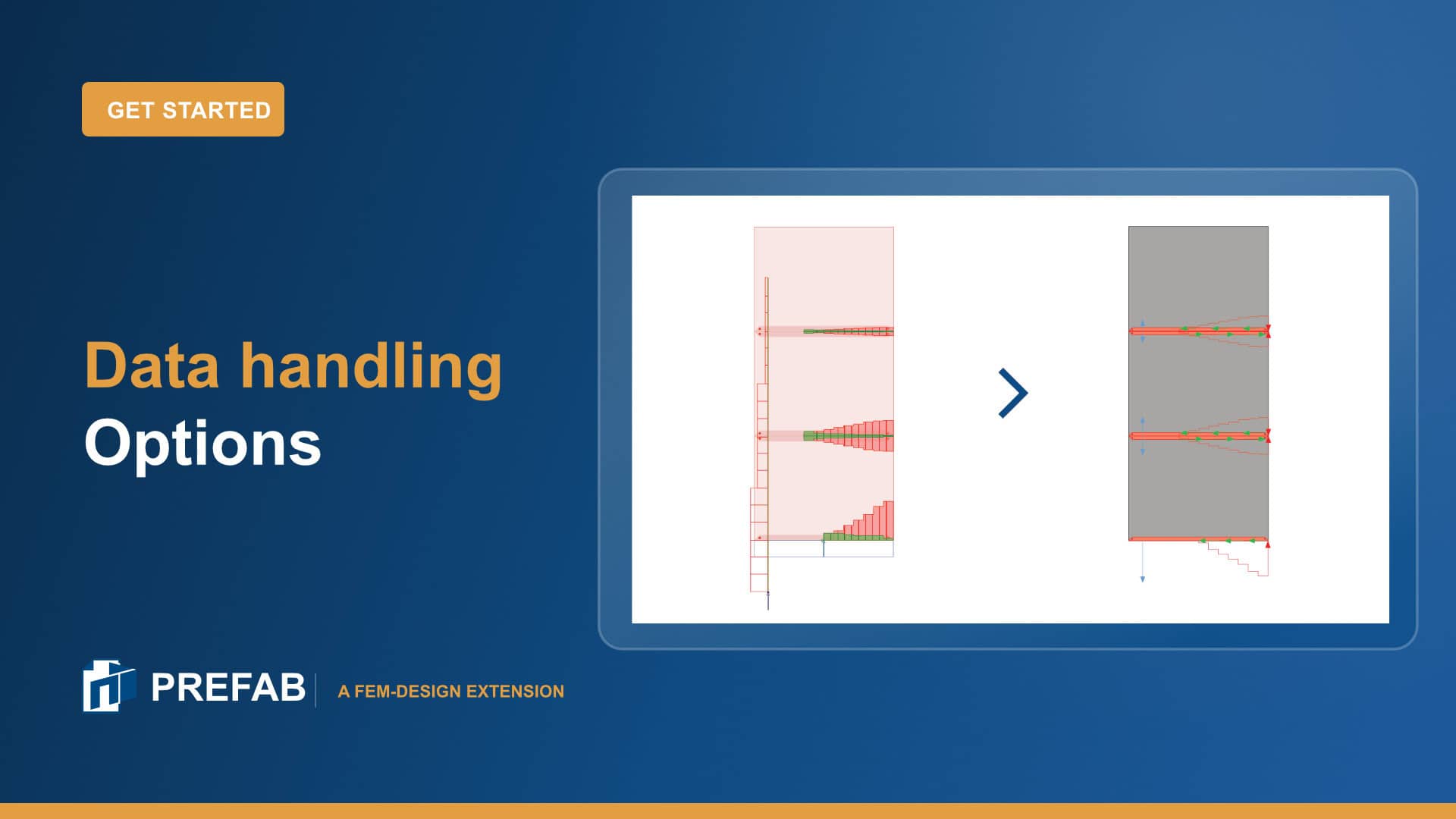
Choosing a data treatment, and when the new plastic redistribution is worth the extra analysis time.
Find the detail you need.
Installation, data treatment, export and modelling requirements. Go straight to the relevant documentation.
Need help with your first project?
Find your regional StruSoft contact to discuss your model and workflow, or get technical help from support.
Find your local salesman

Bio: Panos has worked for over 5 years as a structural engineer before joining StruSoft in 2025, using WIN-Statik and FEM-Design in his daily practise. Panos ...show more understands the practical needs of todays customers and will help them solve their daily problems with any StruSoft software. Feel free to contact Panos if you need any technical assistance or would like a training or a demo of our structural software. show less

Bio: Victor is Customer Success Engineer at Strusoft situated at our Gothenburg office where he works in close contact with our customers to help them use ...show more our software in the best way possible. He has a background as a structural engineer with many years of hands-on experience of using FEM-Design and WIN-Statik in his day-to-day work for large and small projects alike. Please feel free to contact Victor if you need guidance in FEM-Design, are interested in a demonstration or have any general questions. show less

Bio: Tobias has 4 years of experience as a structural engineer working a lot with prefabricated concrete elements from a consulting firm in Denmark. His mission ...show more at StruSoft is clear: to help our customers solve real-world challenges using our structural software. show less

Bio: Joni has helped and trained hundreds of engineers in structural analysis in Finland. He works in both civil and mechanical engineering fields with structural analysis. ...show more Joni has over 15 year of experience in structural design of many types and sizes of steel, concrete and timber structures. Joni is the Product Owner of our JIGI software and Country Manager for Finland. Please free to contact Joni if you need any help to solve your structural analysis problems. show less

Bio: Marek Krawczyk is the Country Manager for Poland at StruSoft. As a structural engineer, he has more than ten years of international experience, working on ...show more various projects in Europe, the UK, the USA and Asia. He joined StruSoft in 2022 to strengthen our presence in Poland and support the StruSoft software Users in the local market. show less

Bio: Ciprian Tibea is the Sales Manager for Baltics & Romania and has been with StruSoft since 2018. Ciprian has a PhD in Civil Engineering (Ultra ...show more High Performance Concrete Subjected to Shear Action) and a Masters Degree in Entrepreneurship and Business Administration. Prior to StruSoft, Ciprian was working as a research engineer for Consolis for 6 years and for 1 year with a local company in Romania working on structural design projects with advanced Finite Element Software (Diana and Atena). Ciprian is your main Structural Sales contact for markets outside Europe, the Baltics and Romania. Please feel free to get in touch. show less

Bio: Mohsen Ghaemi is the Hungarian Manager for StruSoft in our Structural Business Unit. He has a PhD in Structural Civil Engineering (Topology optimisation). Mohsen has ...show more been with StruSoft since 2002 and has more than 20 years of experience with the FEM-Design software and its development, as well as in customer relationships and sales. Please feel free to get in touch with Mohsen directly. show less

Bio: Jan Wróbel has over 6 years prior experience before joining StruSoft working as a structural engineer, using FEM-Design and WIN-Statik in his daily practice. His ...show more international project work has equipped him with broad technical knowledge and understanding of various design standards and client needs. He is now focusing on technical support for Polish customers. Feel free to contact Jan for any assistance with StruSoft's structural software or any other structural engineering questions! show less

Bio: Casper Hougaard is Owner of Market & User Value for FEM-Design, and Product Owner for PREFAB. He joined StruSoft in 2022 and has a background ...show more in civil engineering with lots of practical experience using FEM-Design. Casper helped hundreds of customer as a Customer Success Engineer in Denmark before transitioning to the development department. show less

Bio: Fredrik Lagerström MSc has 8 years prior experience before joining StruSoft working as a civil engineer using FEM-Design, WIN-Statik & PRE-Stress in his daily practice. ...show more In 2011 Fredrik joined StruSoft as a Technical Sales and Education Manager. Fredrik works closely with both Sales and Development to get feedback directly from our Swedish Customers to in turn help our Developers to implement the requested new features in an accurate way. Please feel free to get in touch with Fredrik if you require any technical help or support with our structural software. show less

Bio: Shahram Omary is an account manager at Matrix Software, the Dutch affiliate of StruSoft, specializing in structural software solutions for the Dutch construction sector. With ...show more a strong technical foundation in civil engineering and a master’s degree in Construction Management and Engineering from TU Delft, Shahram combines academic insight with practical industry experience. His background spans roles in design, preparation/planning, and engineering consultancy firms. Shahram is passionate about digitalization and innovation in structural design, striving to deliver tailored software solutions that align with clients' technical and business goals. Currently, he is responsible for market strategies based on market analyses in the Dutch market. In parallel, he also contributes to the marketing aspects related to the current promotion of the software packages, including FEM-Design, in collaboration with the marketing team. show less


Bio: Botond Előd Nagy is a Structural Civil Engineer focusing on professional and academic education, with a strong emphasis on innovative, technology-driven solutions.

Bio: Suhas is the Managing Director of StruEngineers India, a Design & Detailing Service company 100% owned by StruSoft. Suhas has a BSc in Civil Engineering ...show more and has been providing design support services to the Precast Industry, worldwide, over the last 20 years. Suhas was one of the original founders of StruEngineers which was established 10 years ago and previously worked for Neilsoft in Pune. StruEngineers provides local support in India for all StruSoft software and Suhas is a specialist with IMPACT AutoCAD. If you are based in India and looking for more information or support please feel free to get in touch directly with Suhas. show less

Bio: Anders Nilsen joined StruSoft in 2019 and starting of as a Sales Manager in Denmark. In 2024 Anders took on additional responsibilities as Head of ...show more Sales in Denmark, The Baltics, Hungary, Romania, Poland, UK & Ireland in the structural business unit of StruSoft. Anders has a background as a civil engineer with lots of practical experience in all our structural software. show less

Bio: Ákos joined StruSoft in 2000, working in sales and technical support for the Hungarian market until 2008. Over the following years, he specialized in BIM ...show more technologies and multidisciplinary structural design workflows. Since 2020, Ákos has been part of the FEM-Design development and marketing team at StruSoft, where he is responsible for BIM connectivity and interoperability solutions. His work includes the specification, coordination and promotion of open-standard (IFC, SAF) and API-based workflows with industry-leading platforms such as Revit, Archicad, Allplan, IDEA StatiCa and Tekla. show less